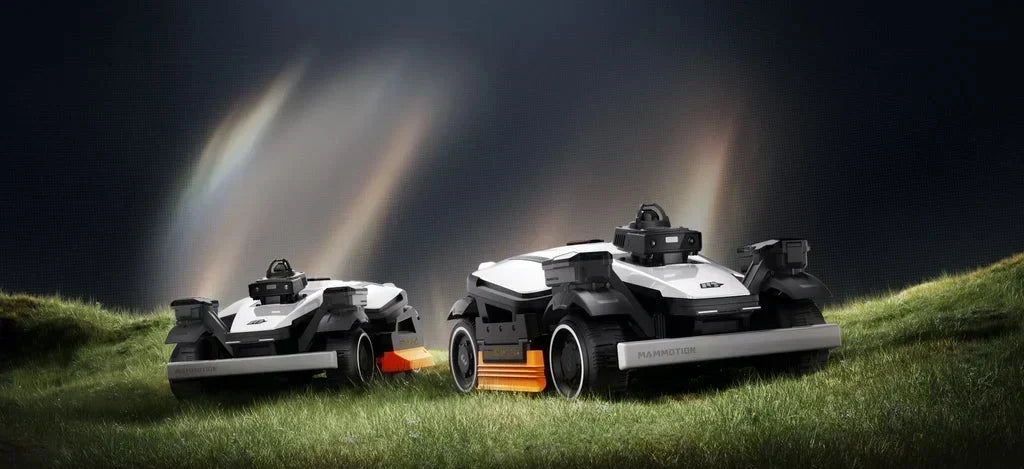



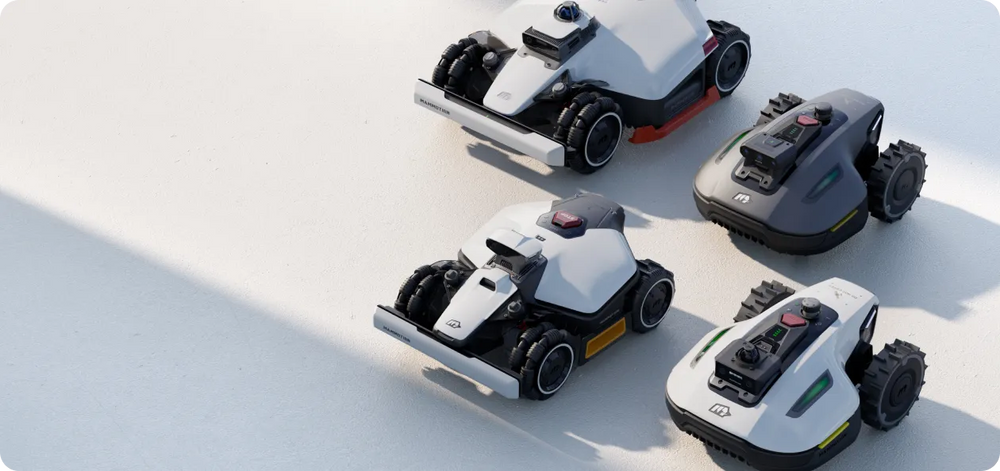




LUBA AWD Series boundary wire-free robot mowers are designed to handle various types of lawns. In this article, we will explore how LUBA robot mowers obtain a reliable GNSS RTK signal in your lawn with useful tips and provide a “Not Recommended Lawn” case.
Step 1: Suitable Lawn Checklist for LUBA
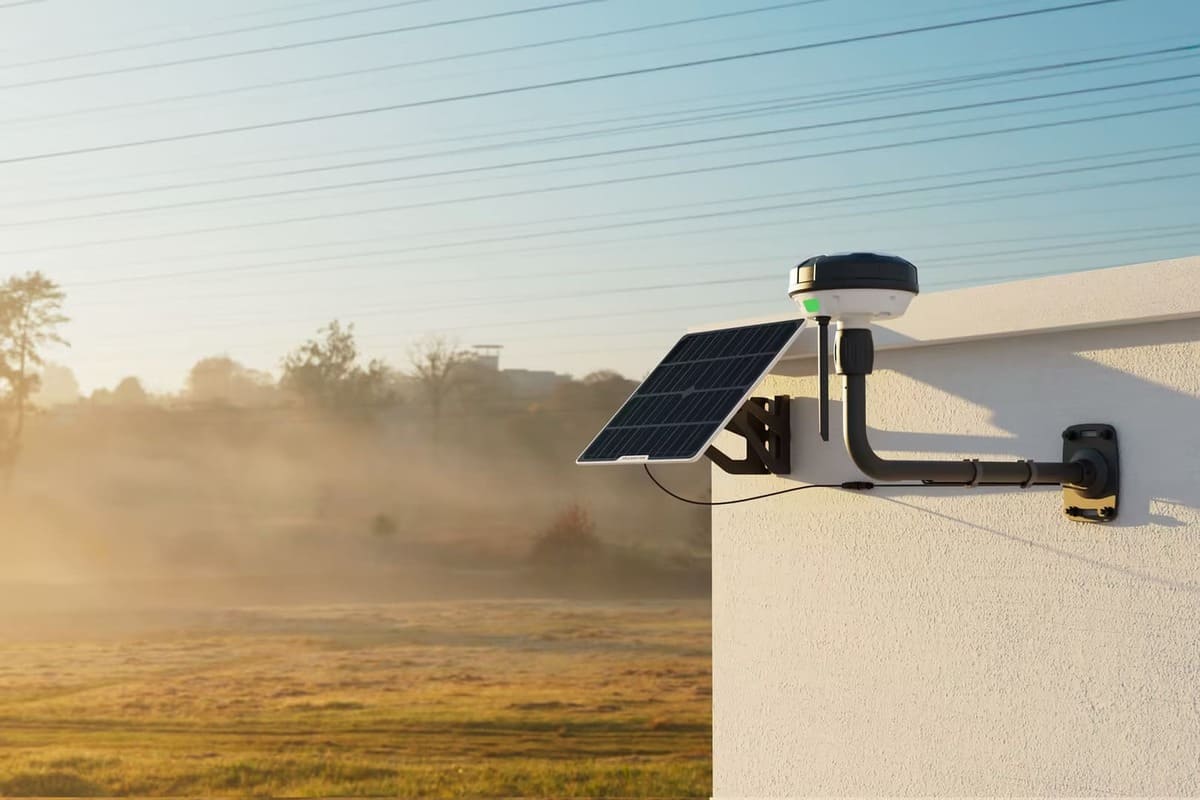
Luba's RTK station signal can cover large areas up to 45,000 square meters and can penetrate through walls to provide accurate positioning for multiple separate lawns.

Although Luba (2023 version) is designed to work well with all types of lawns, there are certain lawn conditions where it is NOT RECOMMENDED to Luba:
A. Lawn(in total) smaller than 200m2
B. Tall walls/ trees on your lawn >30%
C. Lawn boundary with tall trees/wall > 50%
D. Narrow lane( width<3m, length>5m, with tall trees&wall on both side) on your lawn >30%

If your lawn heavily consists of tall walls or trees, please send the entire garden's Google Map to support@mammotion.com for a check. Rest assured that your data will be kept confidential.
Mammotion's LUBA AWD series has been updated and upgraded. A quick look at the LUBA 3 AWD series.
Step 2: Tips for Setting RTK Antenna Station Place
While LUBA does not require a line-of-sight view from every point in your lawn to the RTK reference station. However, to ensure a reliable signal, both the Luba mower and RTK reference station require at least a 90° open-sky view of your lawn.

WRONG locations for RTK reference station

WRONG locations for the charging station

Step 3: Tips for Setting up the Boundary and No-Go Zones
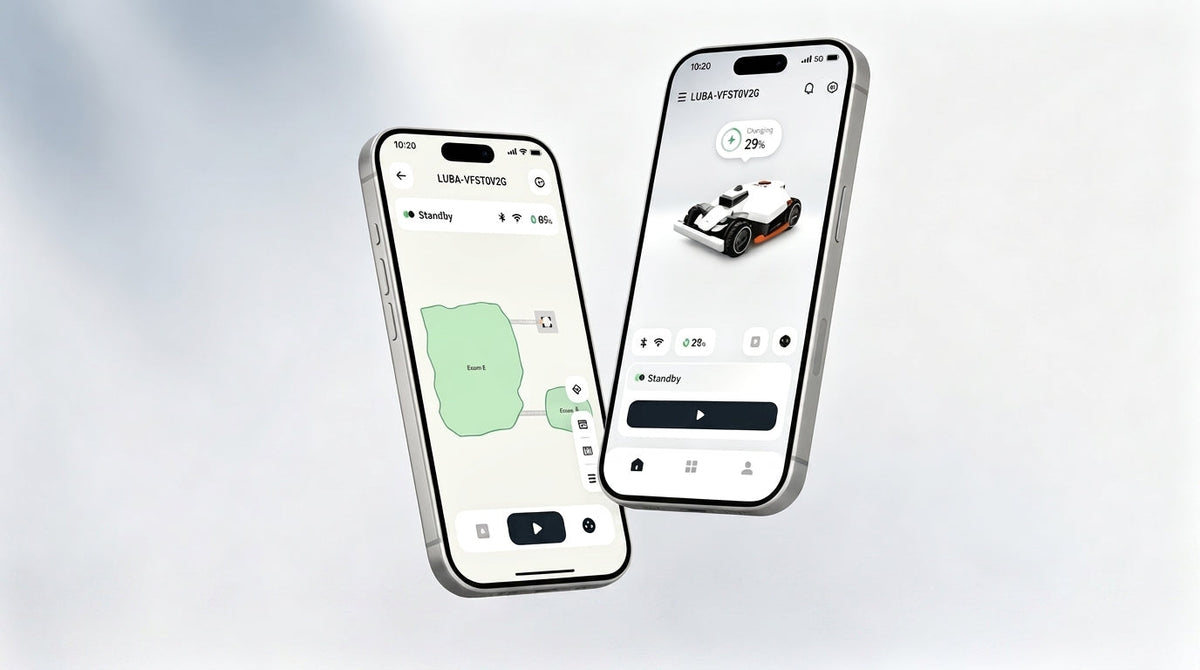
- Check Signal Strength in App: Use the Mammotion App on your mobile phone to check the signal strength. If you find poor satellite signal reception in specific areas, it's recommended to partly edit the boundary in the app.
- Keep the Mowing Boundary Away from High Obstacles: Maintain a distance between the LUBA mowing boundary and high trees or walls, as well as narrow lanes with high trees and buildings on both sides.

- Set No-Go Zones for Static Obstacles: Set no-go zones for such as trees, flower terraces, big holes, and swimming pools. When setting trees with a crown width larger than 2 meters as a no-go zone, ensure that the boundary of the no-go zone follows the boundary of the tree's crown.

Step 4: Dealing with a Partly Poor Satellite Signal
The Real-Time Kinematic (RTK) positioning technology allows Luba to correct for errors in satellite positioning. Luba can autonomously move to an open sky area to restore satellite navigation if the signal is poor. You can also edit the boundary in the app by taking the mower out.
Additionally, Mammotion’s FOTA upgrade provides better mowing performance and experience. The coming mowing mode allows remote mowing for the boundary draw-away zones, as fun as enjoying a remote control race car.
Let LUBA take care of your lawn 24/7h and enjoy your free time. Join the Mammotion Facebook official Community to share ideas with LUBA users from all over the world, as well as join our official Reddit Community for Mammotion expert tech support.
Did you like this article? Add us as a preferred source to find us more easily on Google.