










Partial Remapping
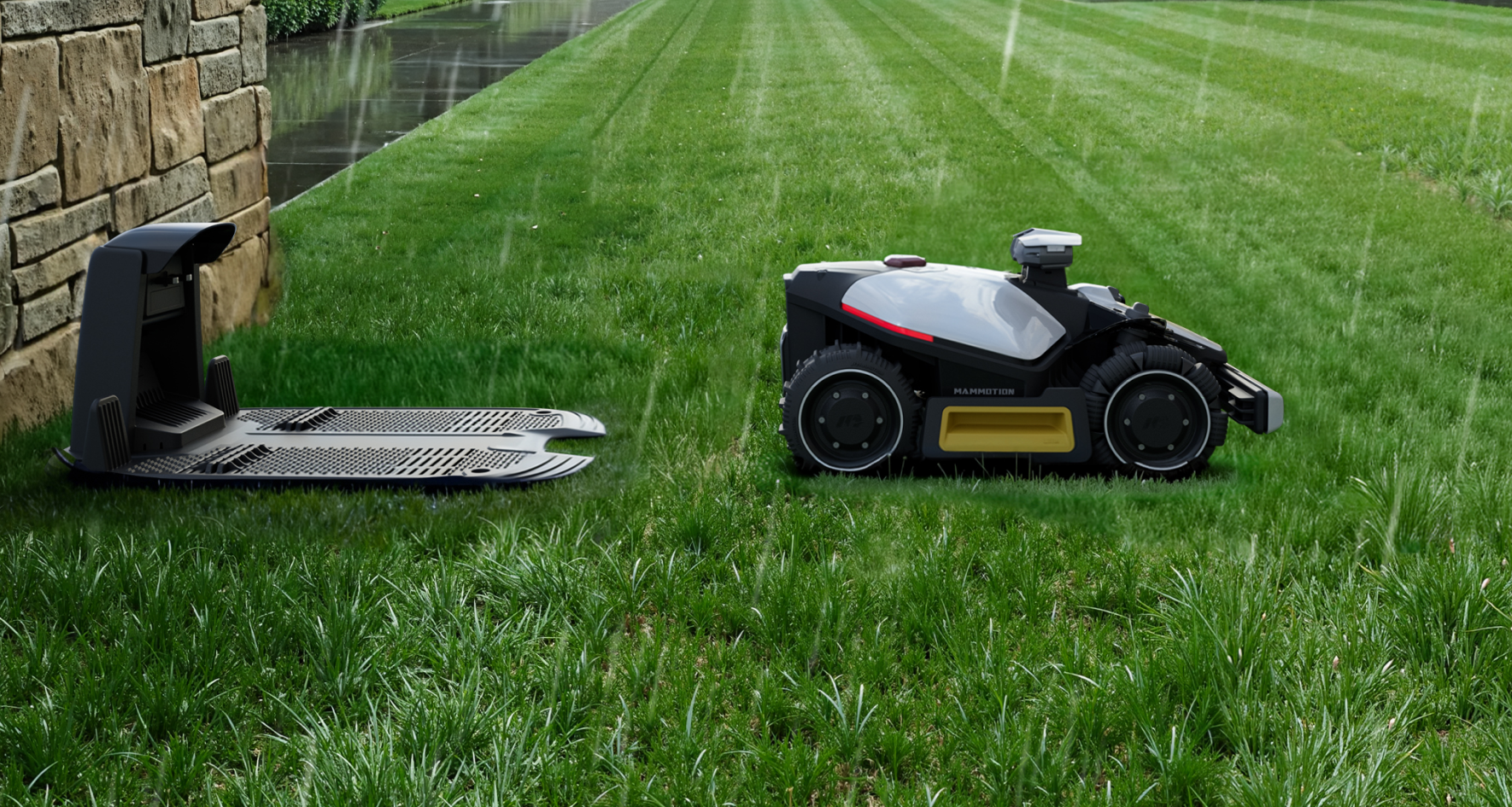
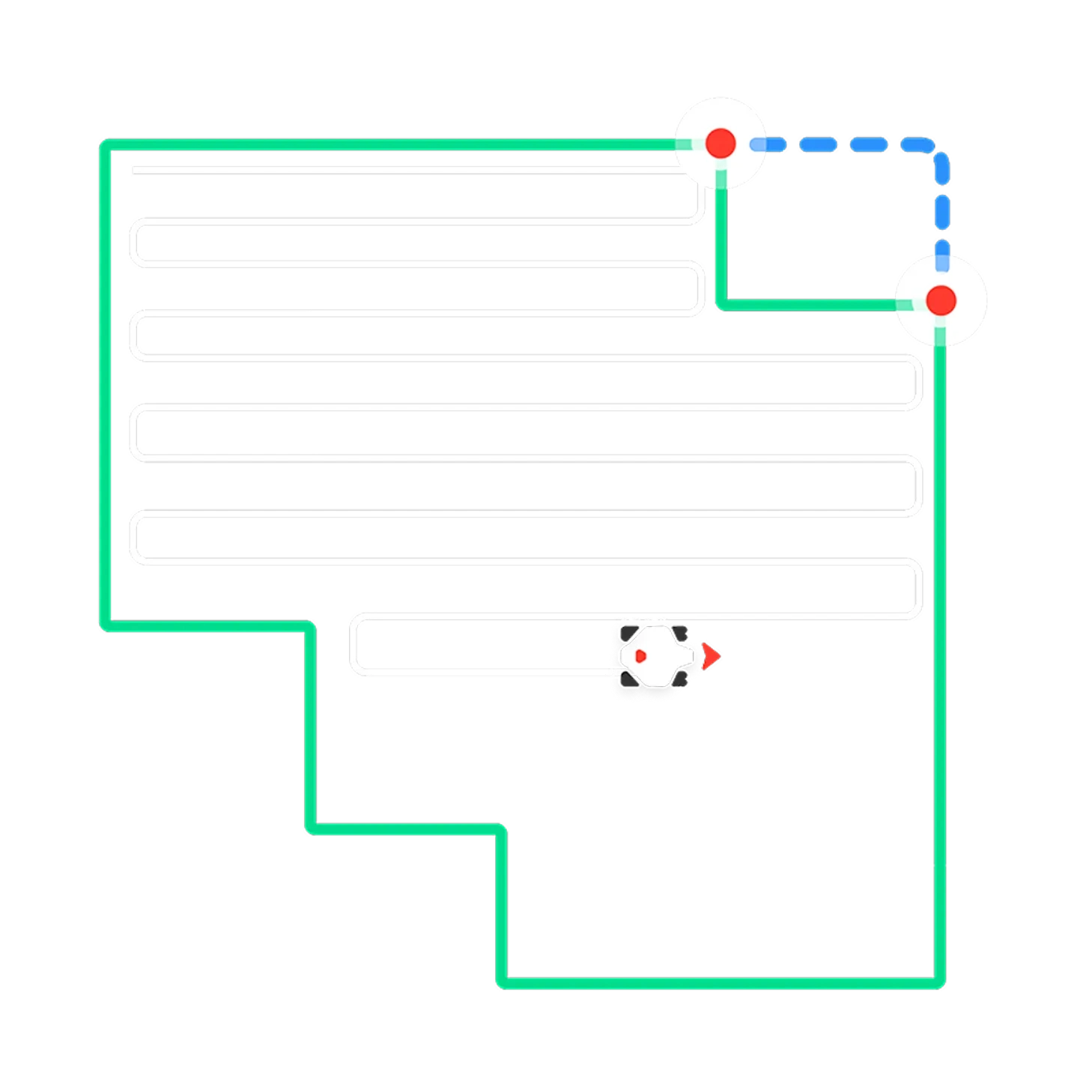
If a specific edge is not perfect, simply redraw that section only. This allows you to fix small areas quickly while keeping the rest of your lawn map untouched.
Discount Code FAQ
How to use the Discount Code?
1. Copy the discount code from the product page.
2. Look for the 'Discount code or gift card' section on the checkout page.
3. Enter the discount code you have. The system will automatically calculate and apply the discount amount to your order.
If you have any questions regarding the use of the discount code, please contact our customer support team:
sales-eu@mammotion.comExclusive Member Rewards
1% Credit Rewards on the Paid Value, which can be used to reduce order amounts for the next order.
Easy Ways to Earn & Redeem
Join: Sign up on our website to create an account
Earn: After you place an order on our website, the credits will start being awarded after your order is delivered
Redeem: Simply copy your credit code from the account, and apply it in the 'Gift Card or Discount Code' window at the checkout page.
If you have any questions regarding the use of the rewards, please contact our customer support team: sales-eu@mammotion.com
Overview
Rules

Autumn Sale | Up to £350 Off - ENDS IN
Flagship | Fit for mid-large lawn
Essential | Fit for small-mid lawn
Up to £ 50 Off for First Order
£ 1 Spent = 1 Point
Redeem exclusive price and products
Flagship | Fit for mid-large lawn
Essential | Fit for small-mid lawn

Become a member to earn points on every purchase and enjoy exclusive rewards.
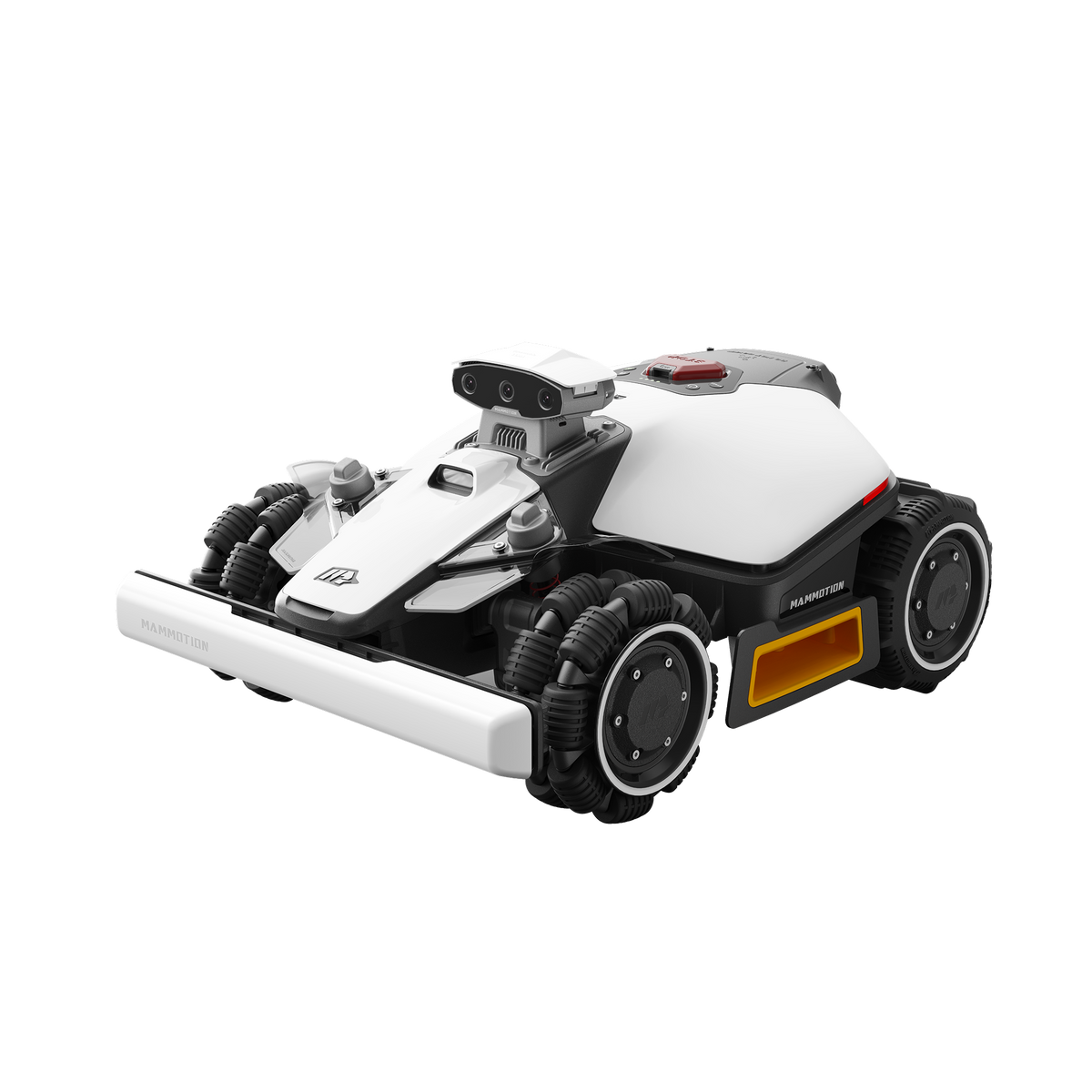
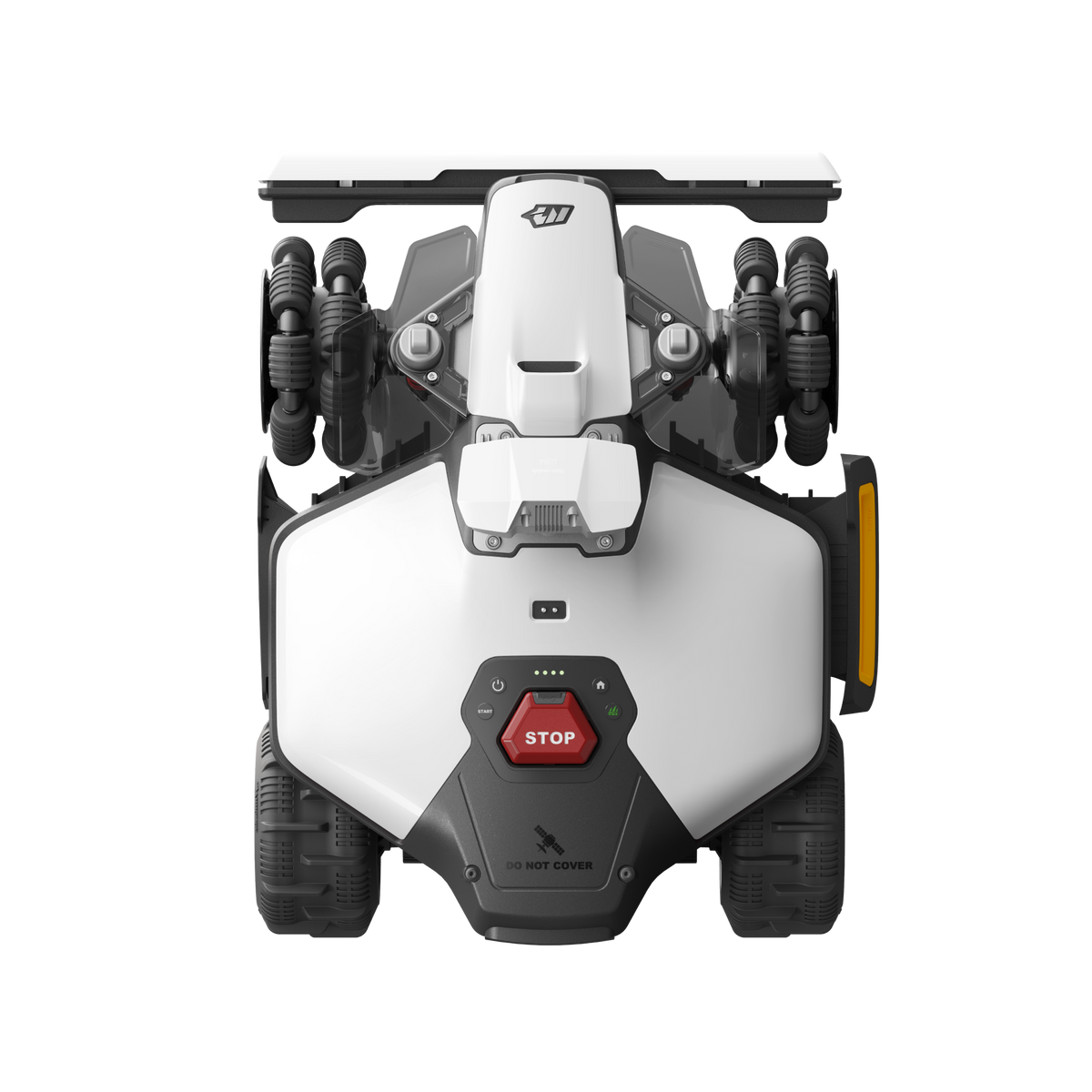
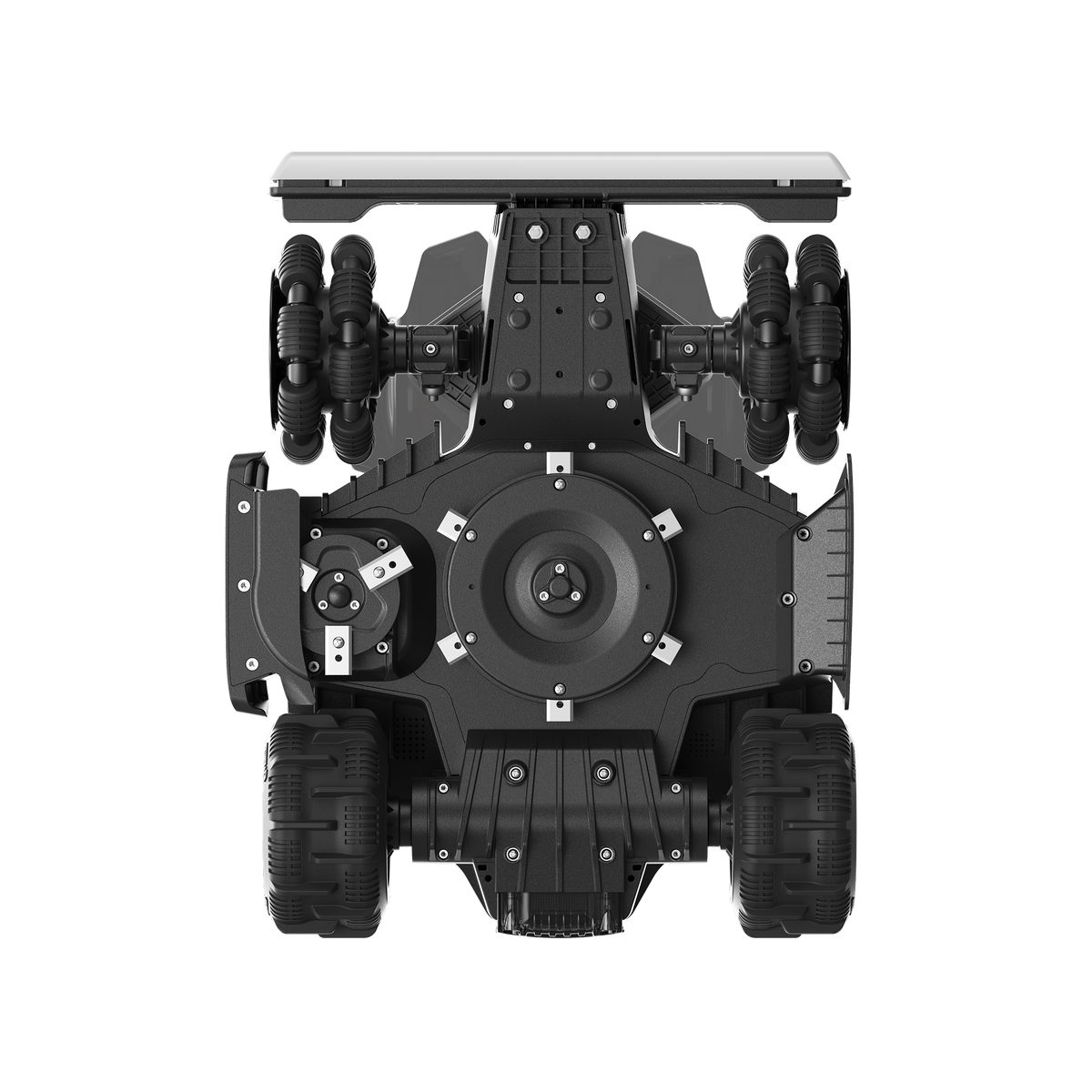
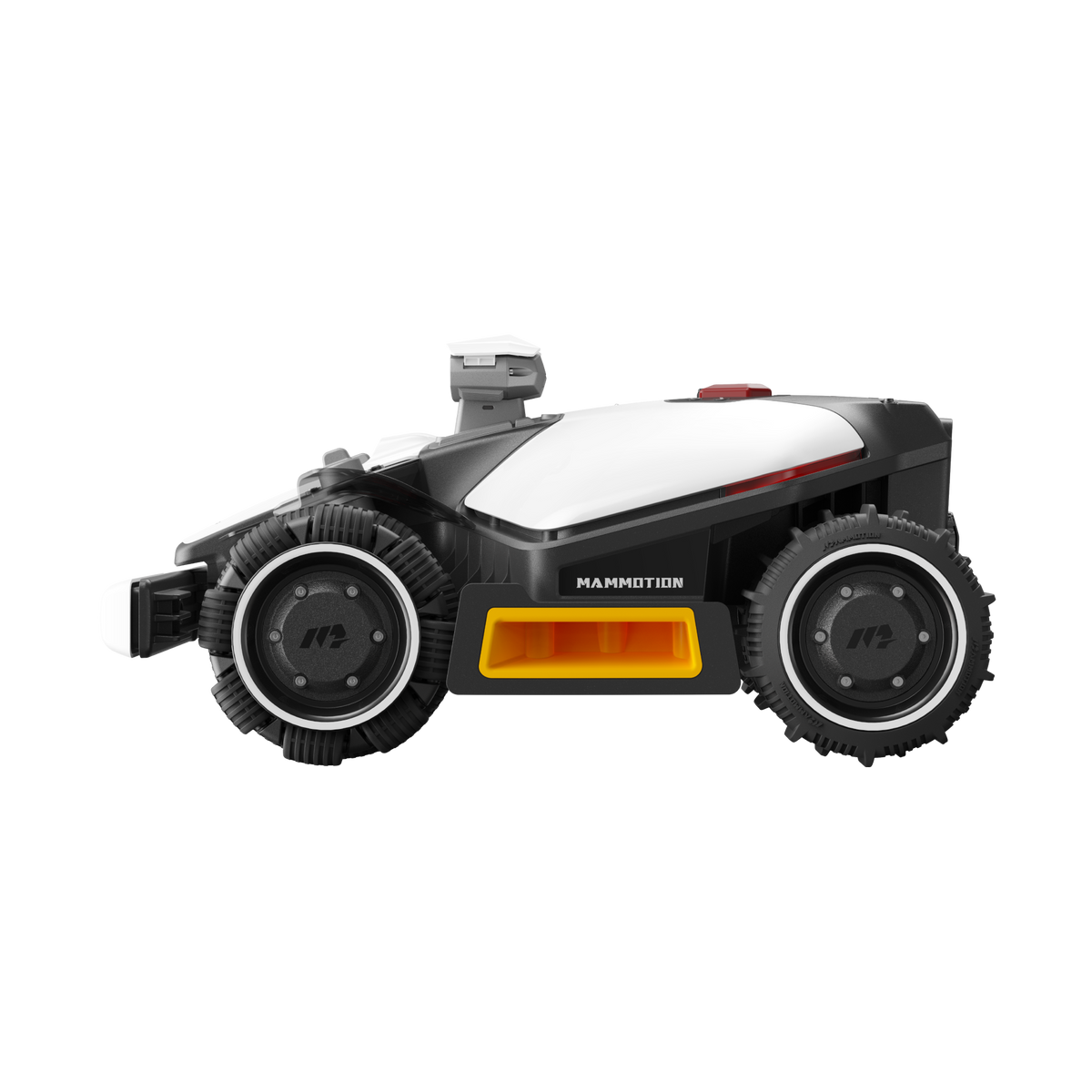
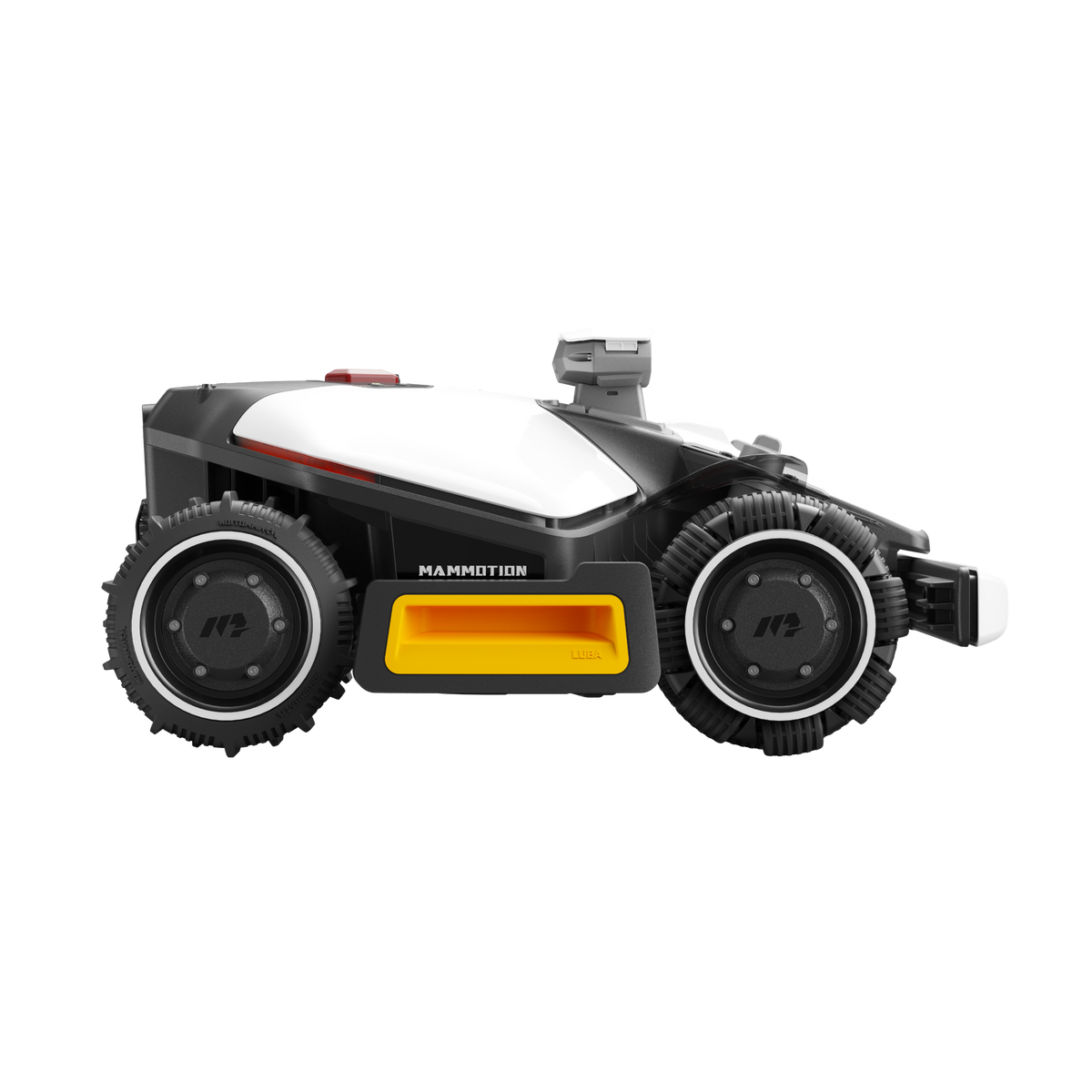
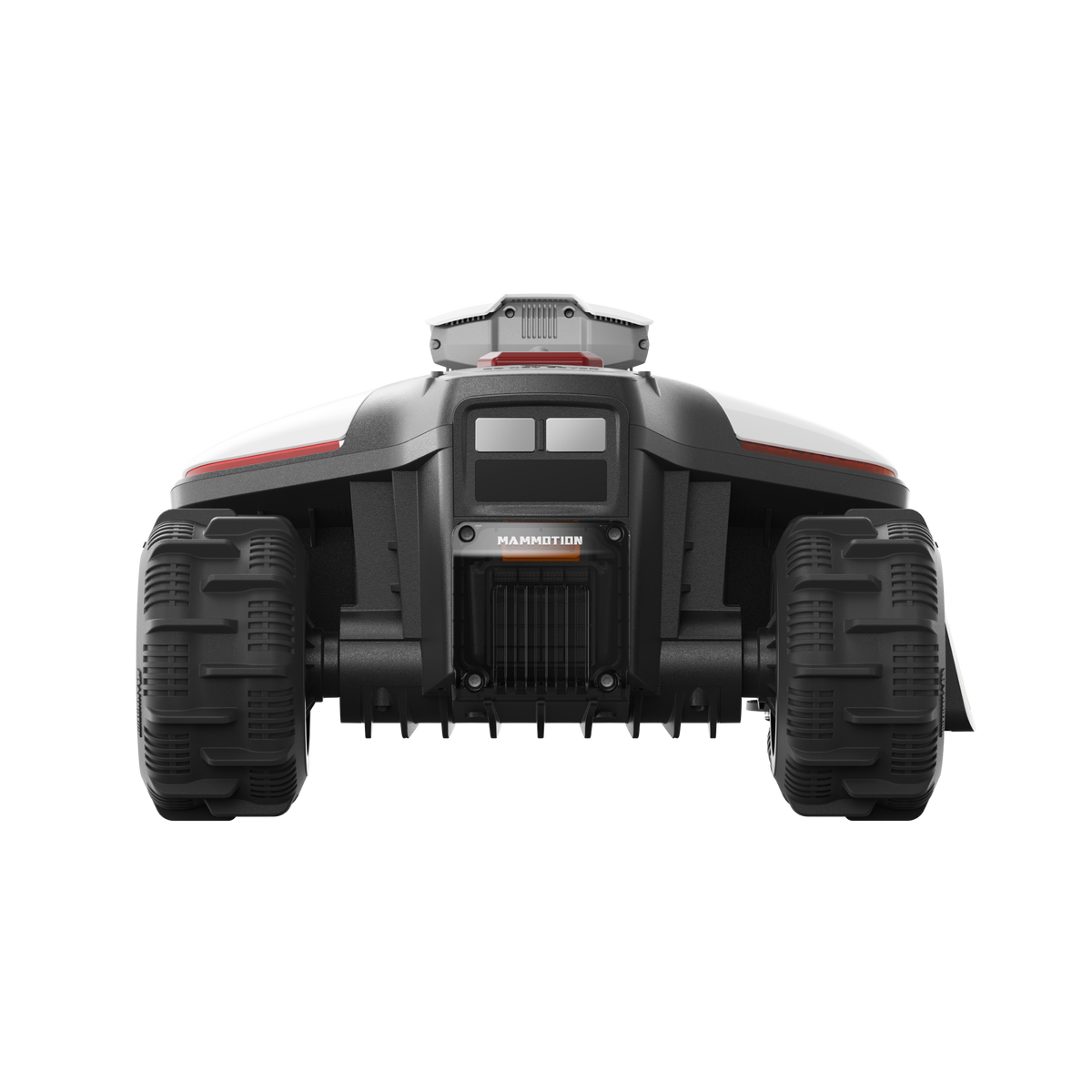
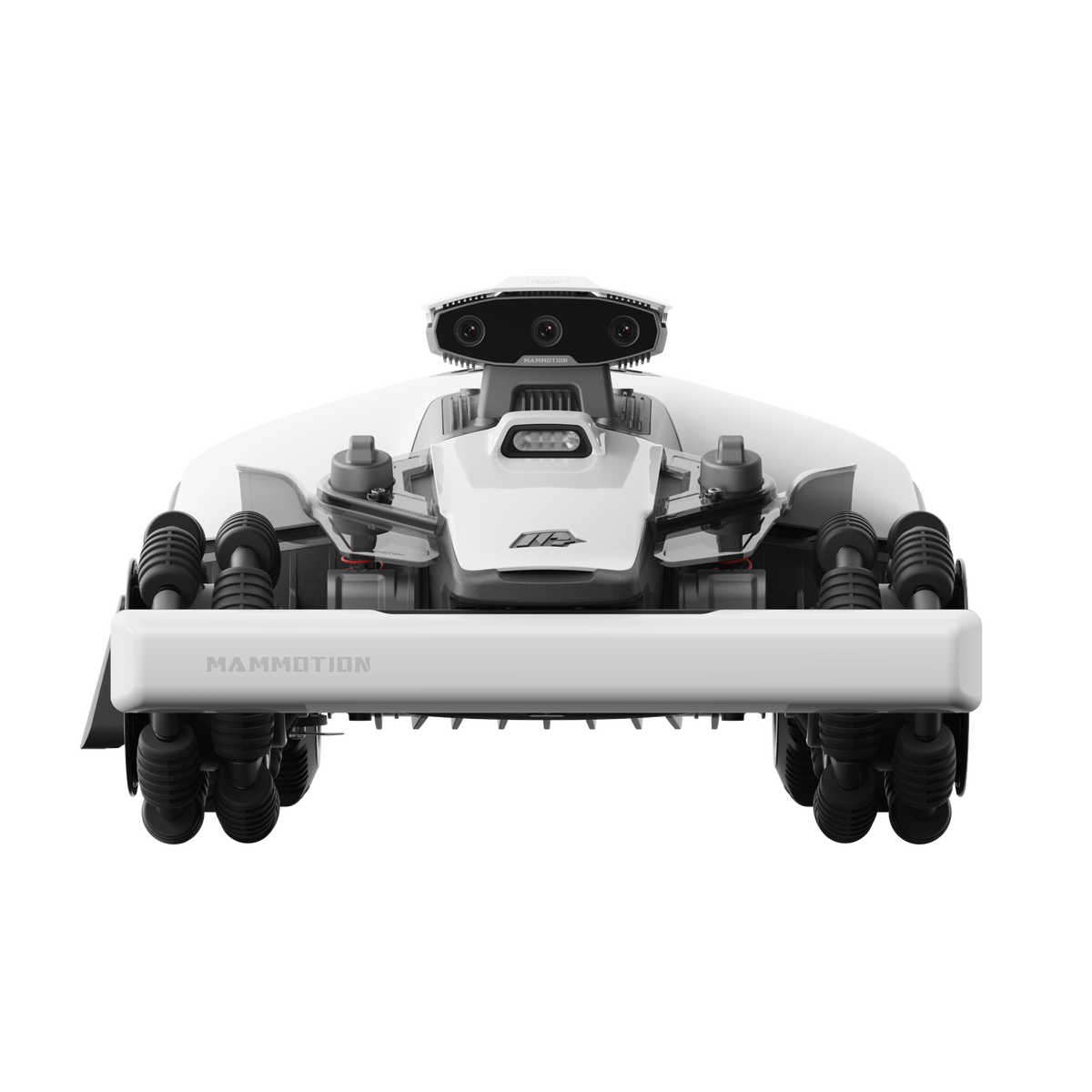
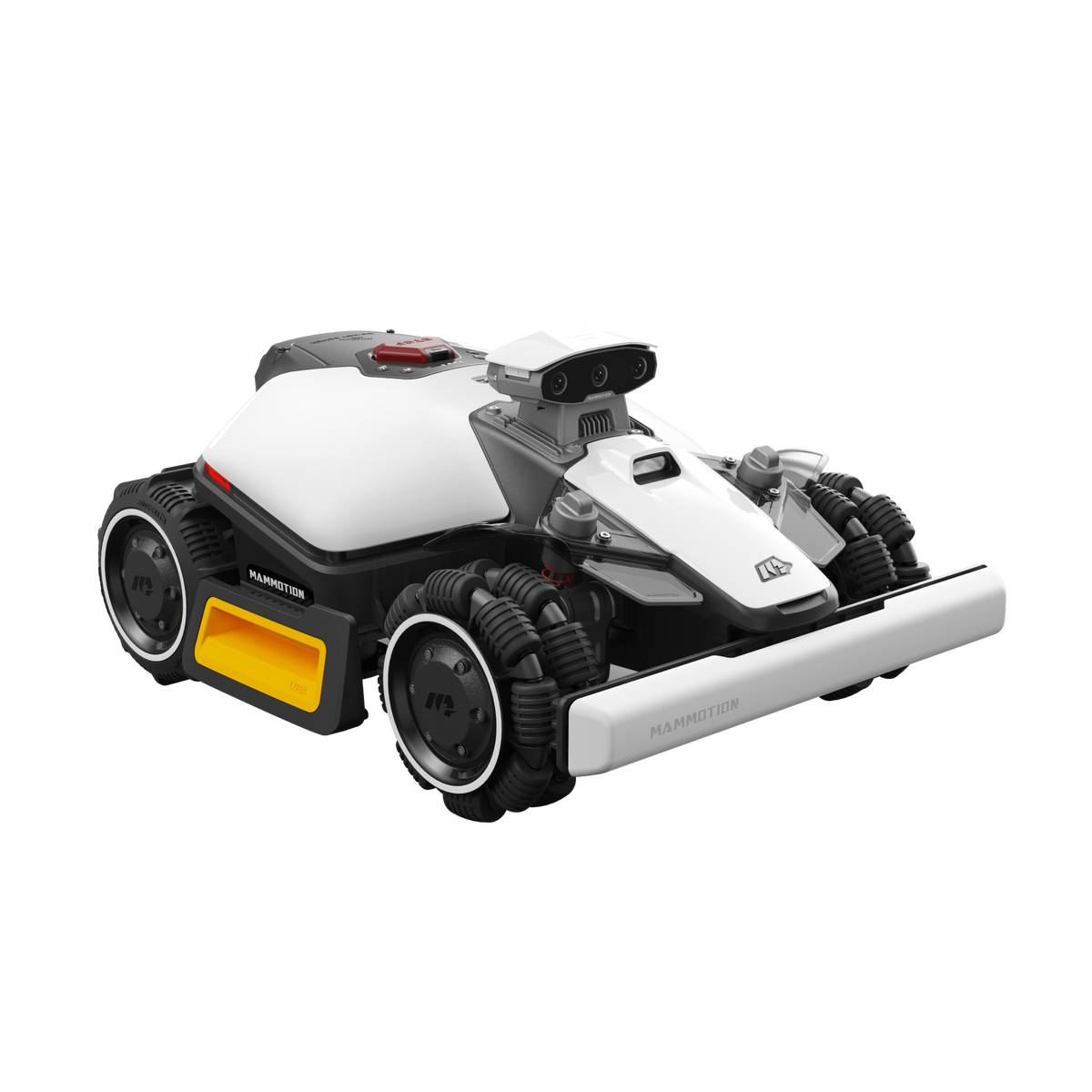
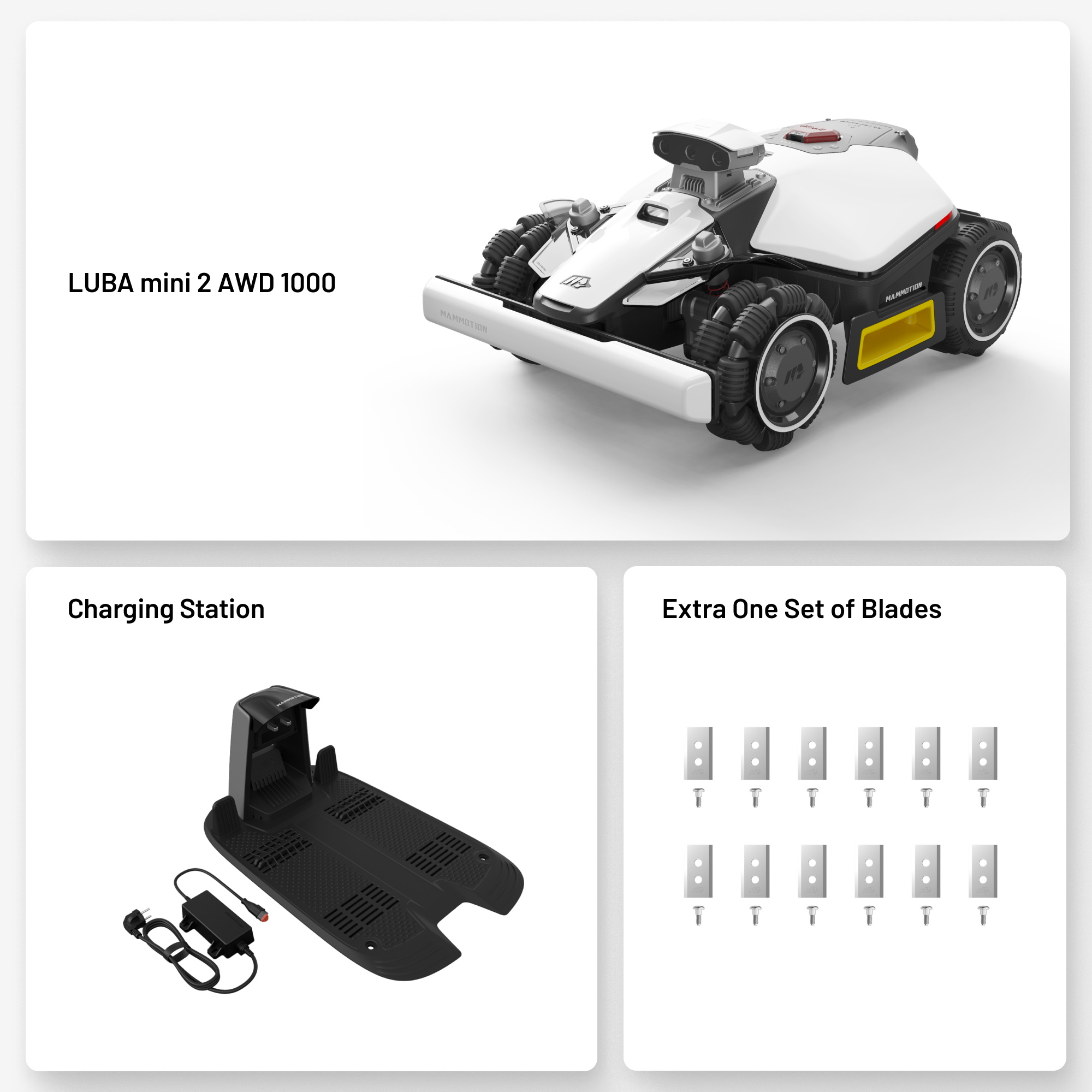
Robot Lawn Mower Without Perimeter Wire
Tax included.
Accessories
 30-Day Return Policy | 3-Year Warranty | 24/7 Customer Support
 Fast and Free Shipping

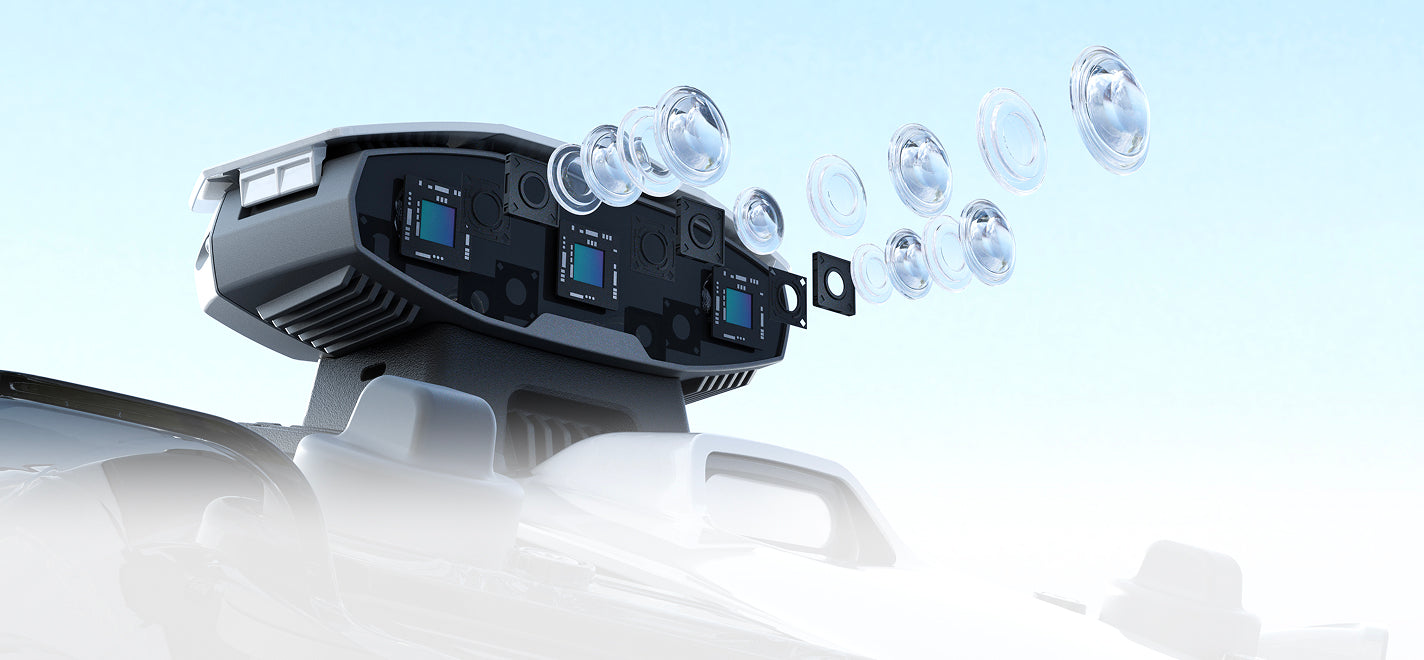
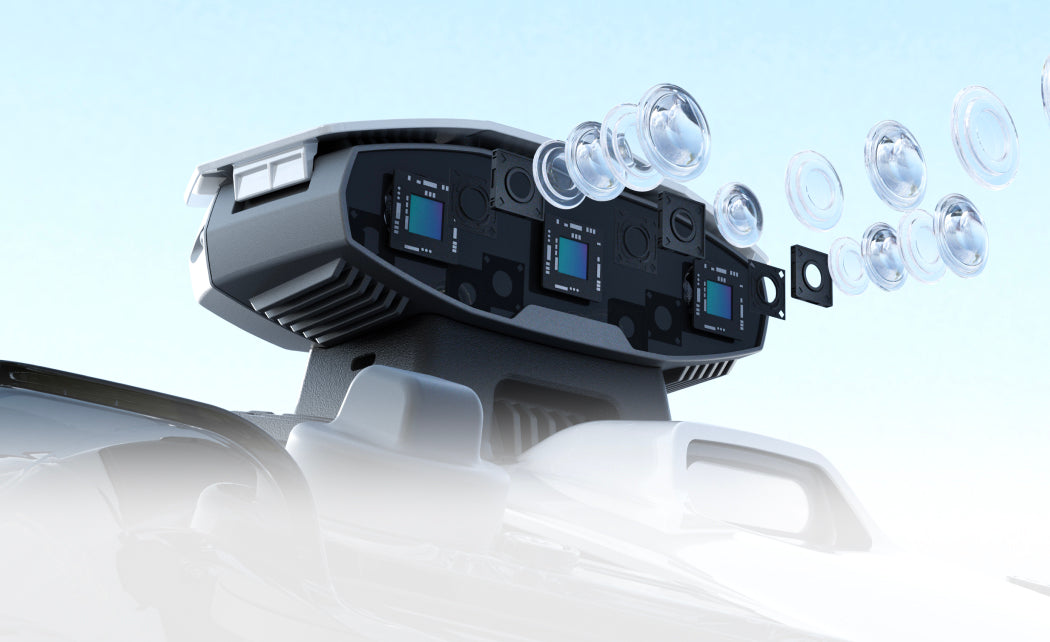
Tri-Camera Vision with NetRTK
Multi-Zone Autonomous Mapping
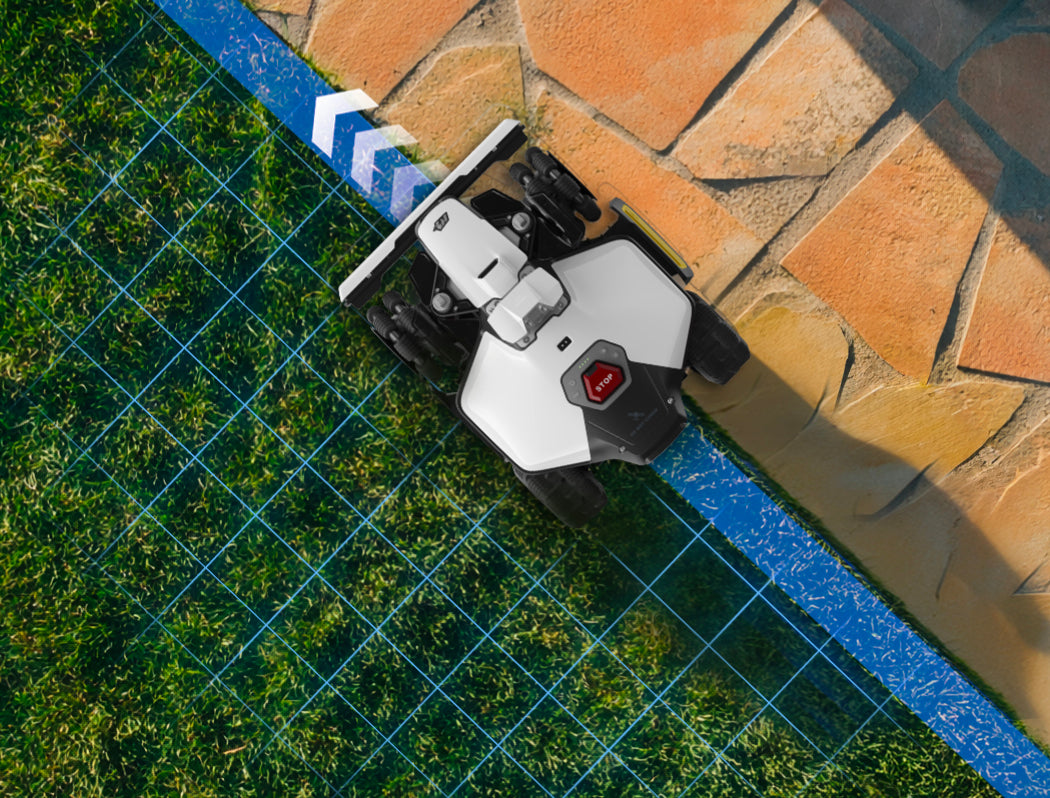
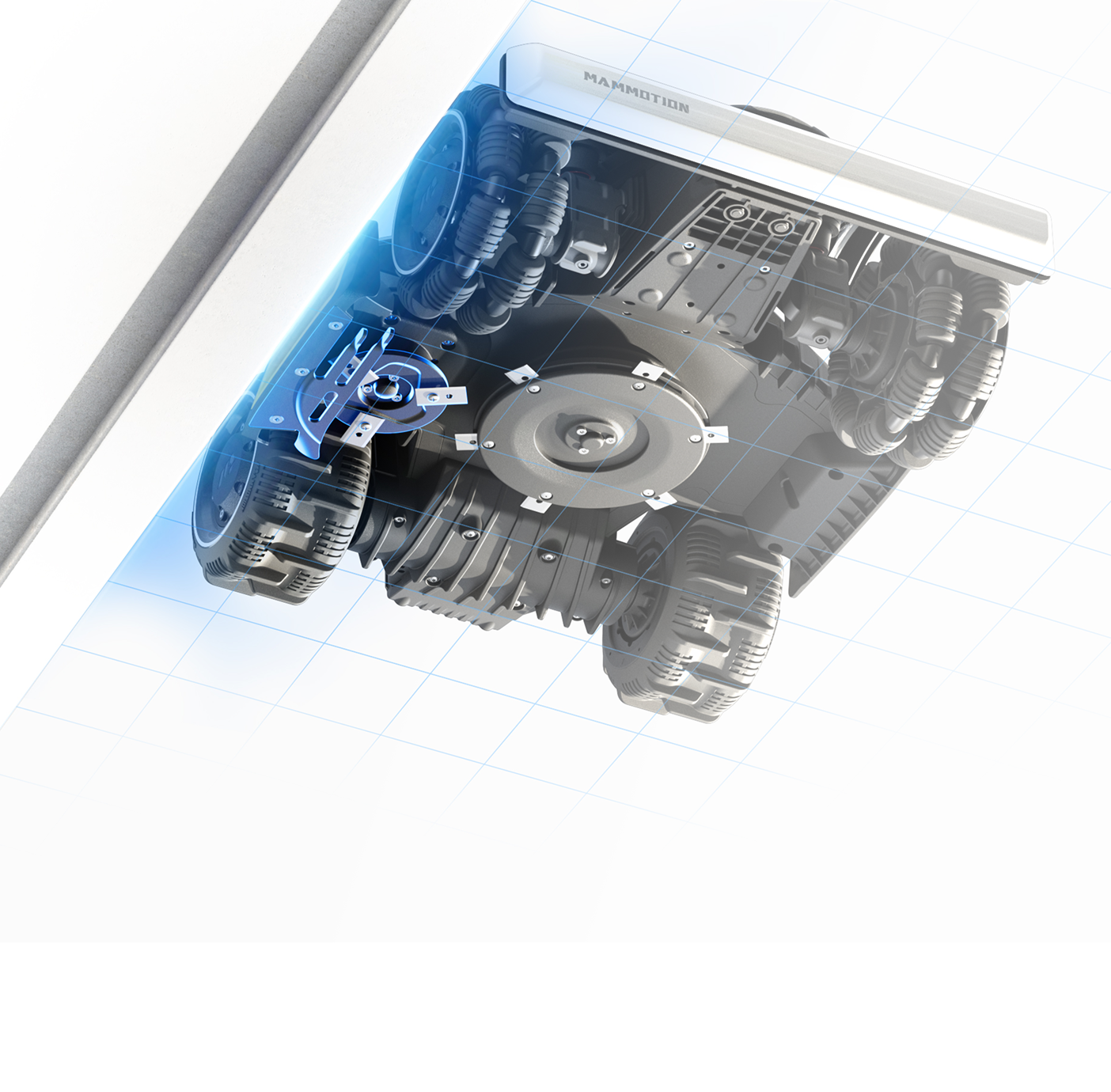
Clean Cutting Along Mixed Boundaries
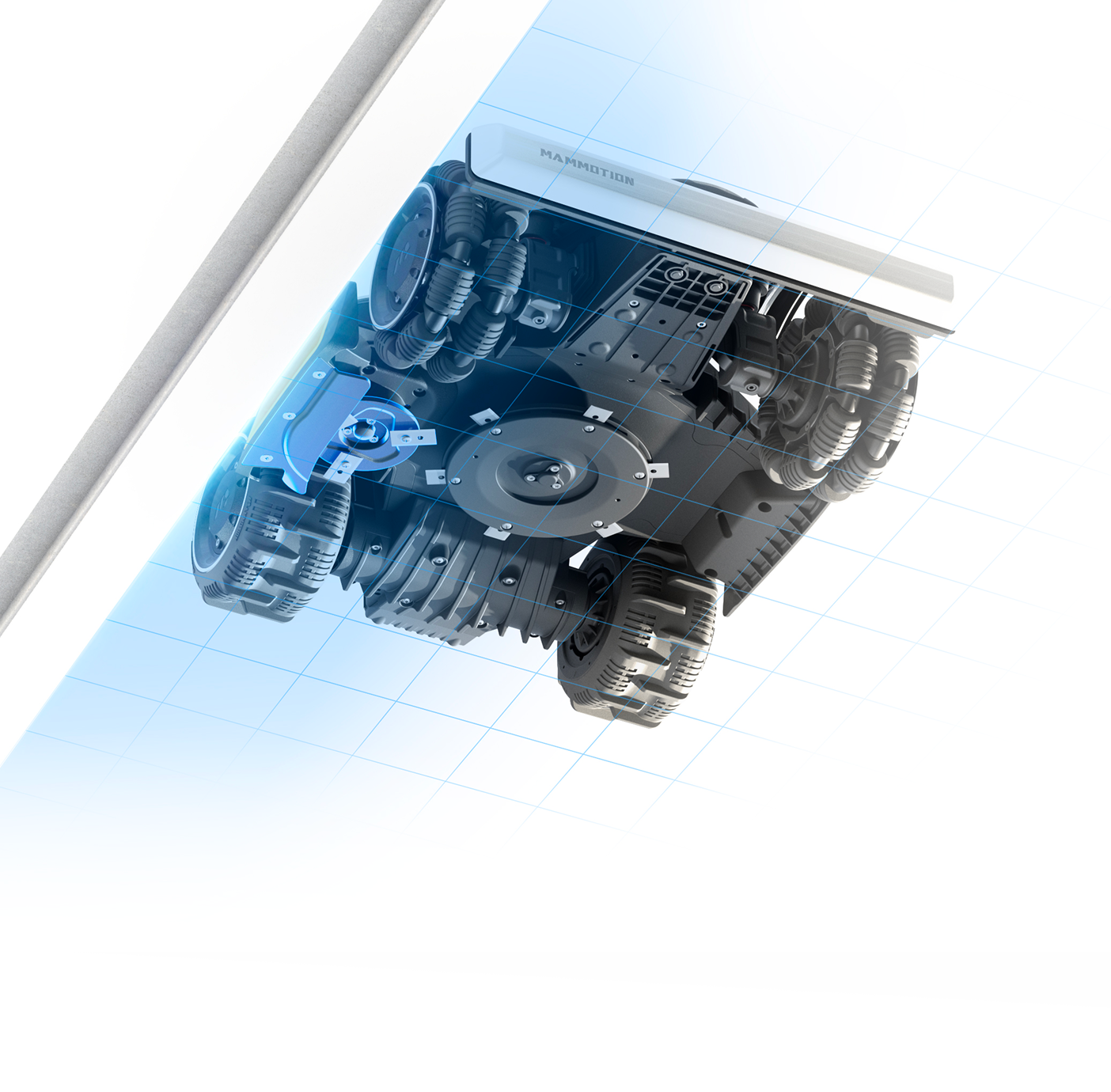
When mowing along edges where one side is lawn and the other side is a different surface (e.g., stone path or pavement), the side blade ensures a clean, precise cut without damaging the boundary.
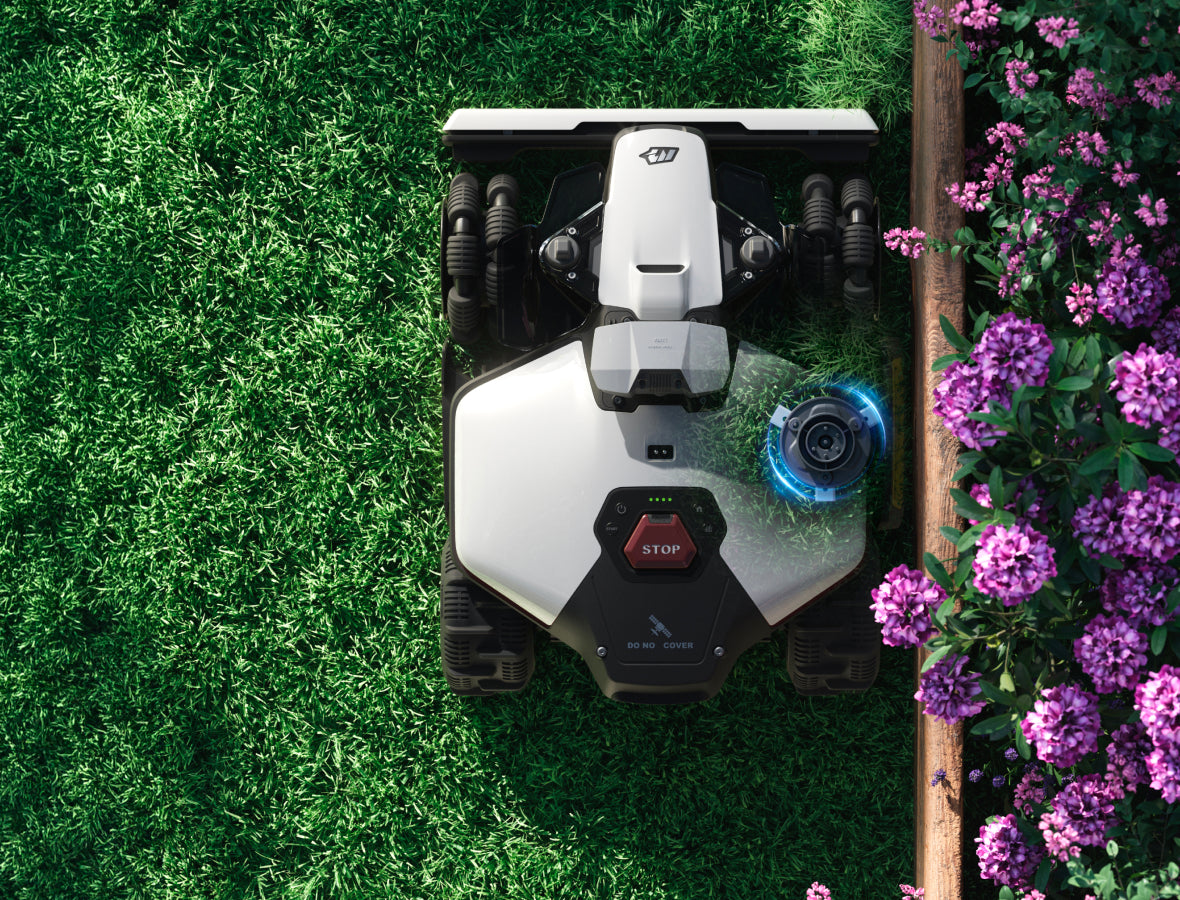
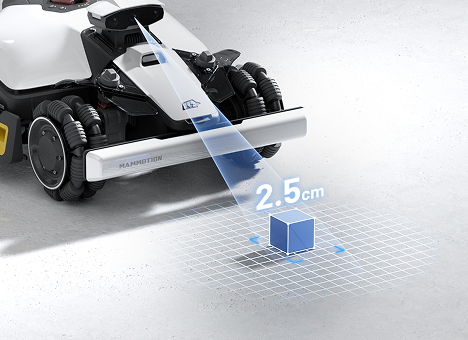
Minimal Edge Distance
Edge Cutting Disc enables ultra-close edge trimming, delivering a clean, precise cut right up to the lawn’s boundary.
Clean Cutting Along Mixed Boundaries
When mowing along edges where one side is lawn and the other side is a different surface (e.g., stone path or pavement), the side blade ensures a clean, precise cut without damaging the boundary.
Minimal Edge Distance
Edge Cutting Disc enables ultra-close edge trimming, delivering a clean, precise cut right up to the lawn’s boundary.

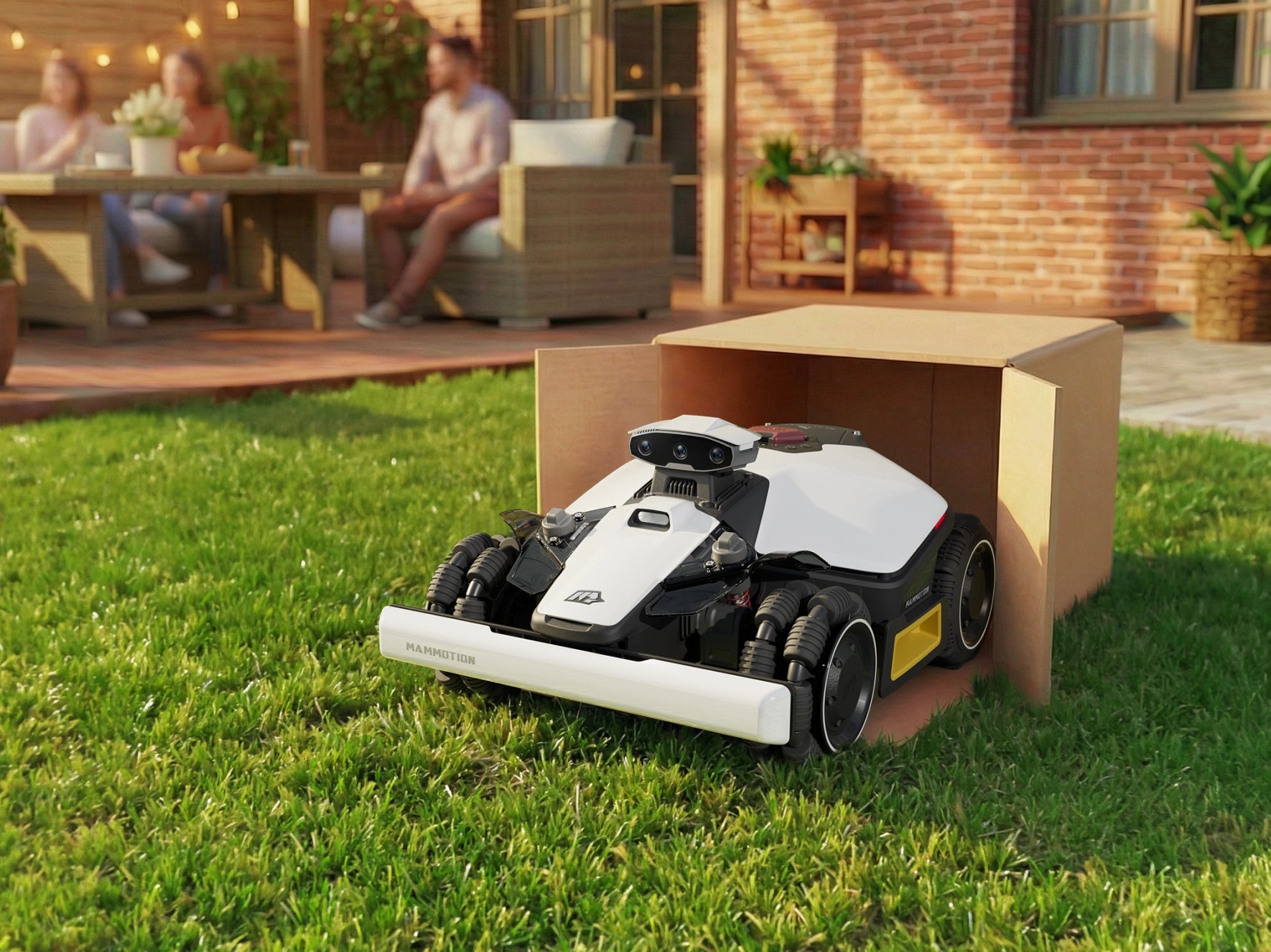
DropMow Flexibility
For quick or temporary mowing, simply place LUBA mini 2 in the area. It will start mowing along intelligent paths without saving the map, allowing spontaneous, hassle-free operation without affecting your main lawn configuration.


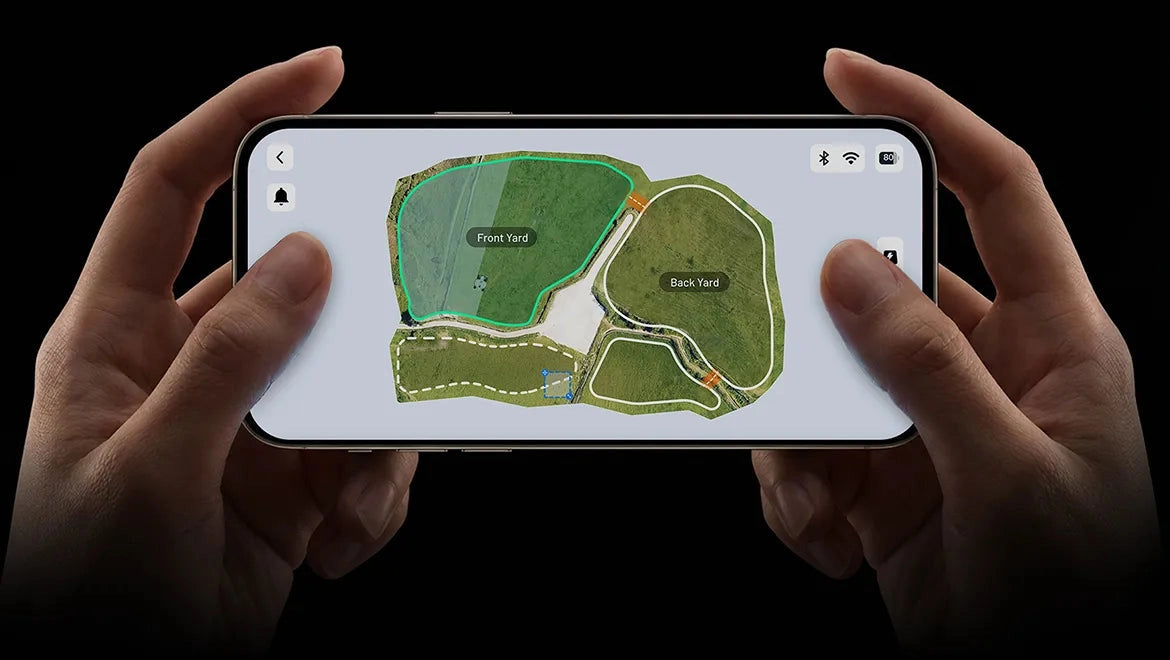
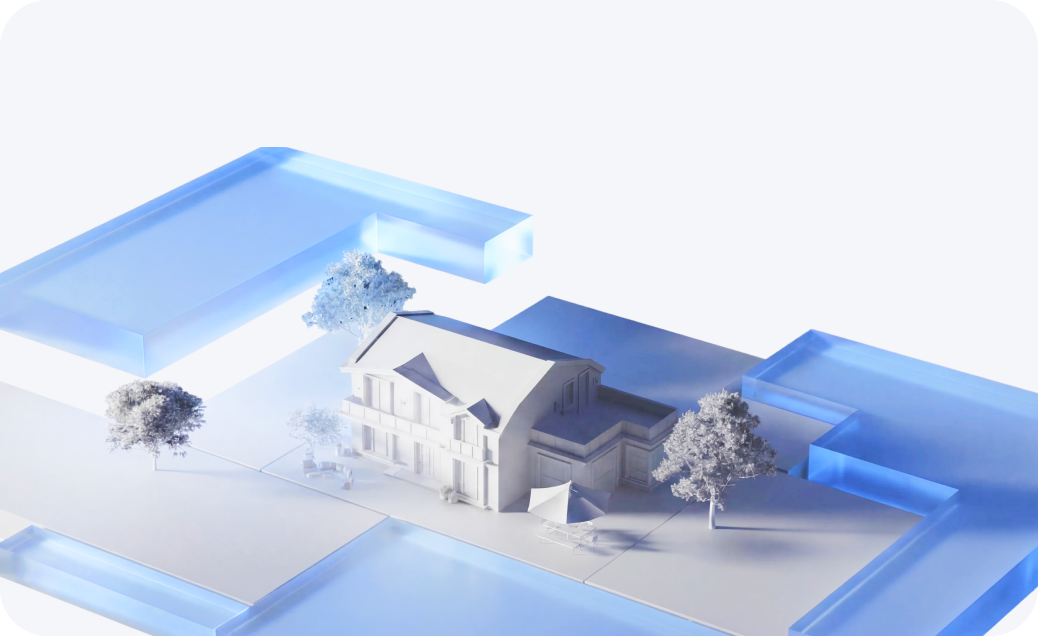
After guiding LUBA around your lawn to complete the mapping process, you’ll see a full realistic map of your entire garden in the app. This clear, visual representation gives you a true-to-life overview of your lawn layout, making zone management, adjustments, and future edits more intuitive and accurate.
If a specific edge is not perfect, simply redraw that section only. This allows you to fix small areas quickly while keeping the rest of your lawn map untouched.
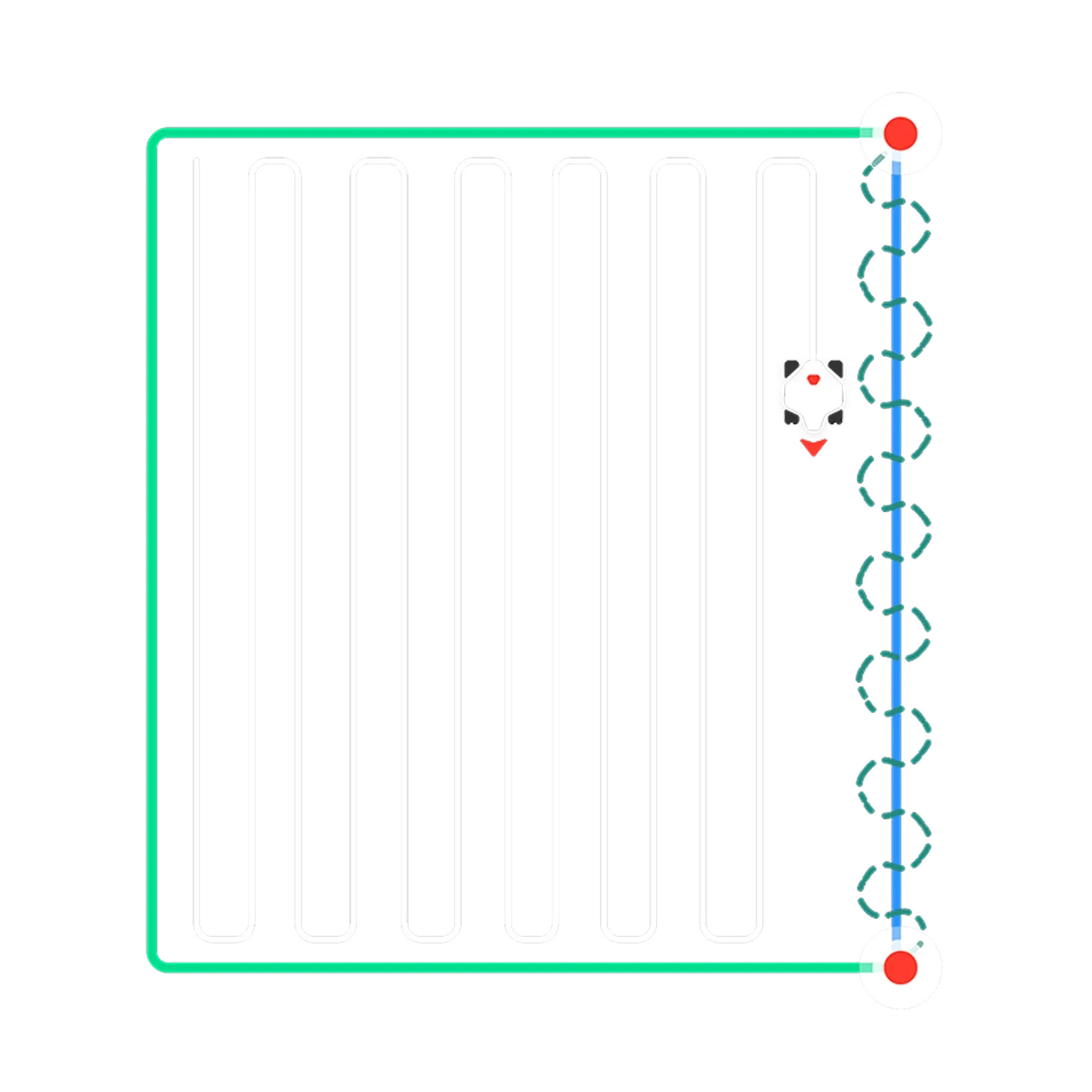
For square or rectangular lawns, select two endpoints to instantly create a perfectly straight boundary, delivering a cleaner and more professional finish with minimal effort.
Note: The New feature Straight-Line Adjustment will launch late 2026.
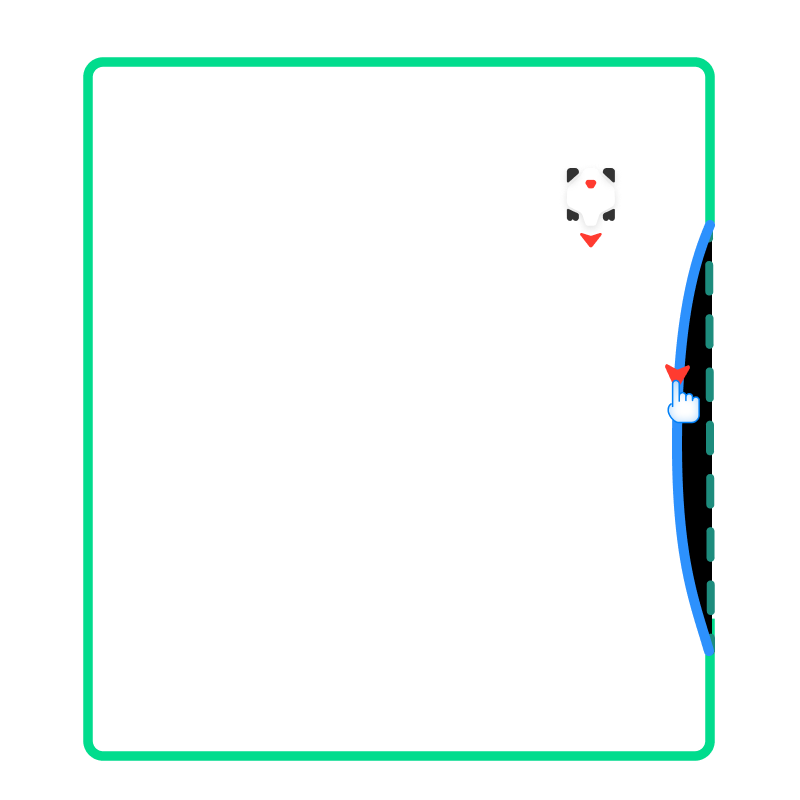
Easily adjust curved flower beds, sharpcorners, or irregular shapes, ensuringevery detail fits your lawn layout preciselyand enhancing the overall mowing result.
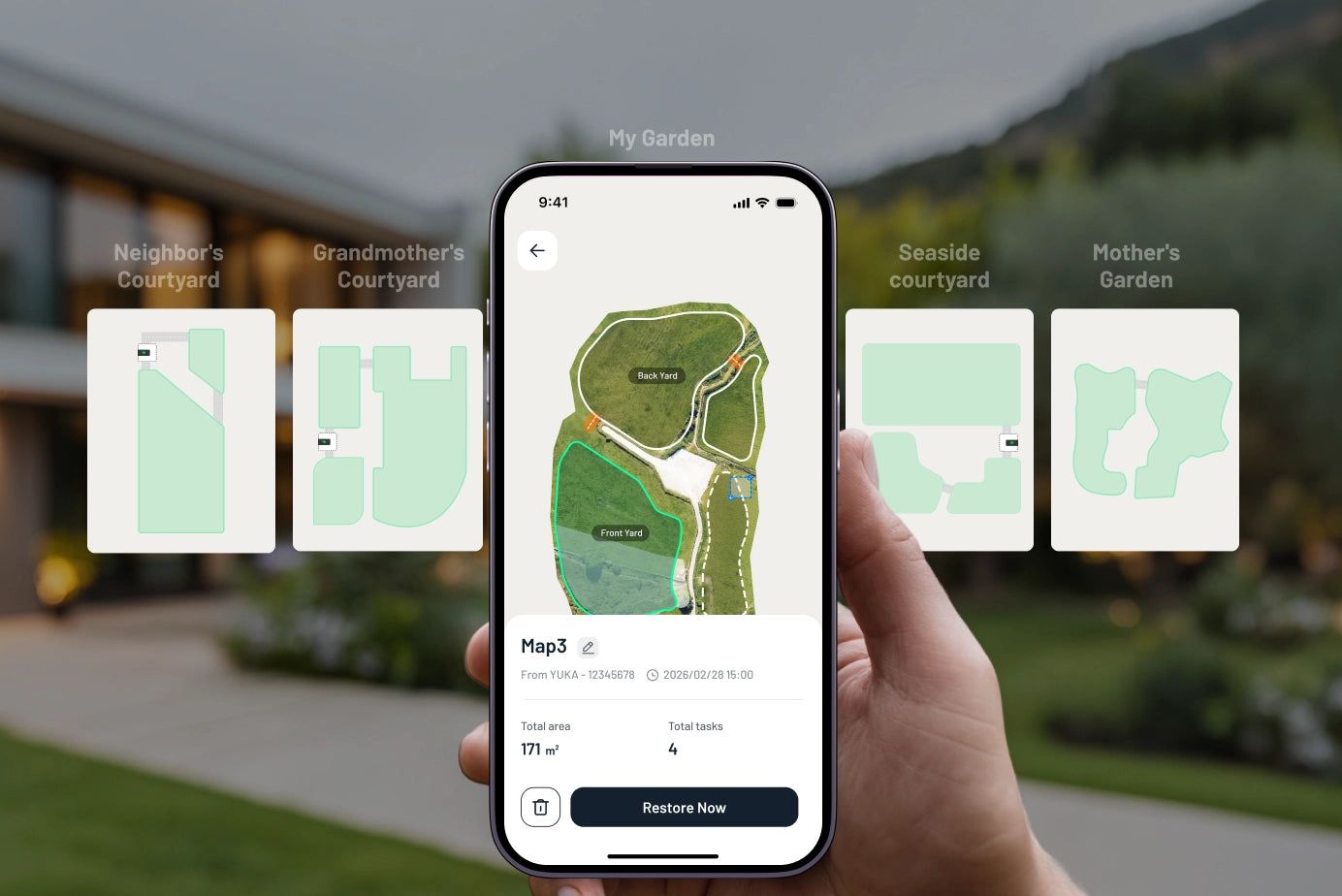
Store up to 10 maps securely in the cloud. Manage multiple properties or take care of lawns for family and friends with ease. Switch between maps in seconds without remapping.
Cutting Height Adjustment
Lawn Printing & Custom Patterns
Multi-Zone Management
Smart Path Planning

Cutting Height Adjustment
Change blade height directly through the app to match different grass types or seasonal needs, ensuring optimal lawn health.

Lawn Printing & Custom Patterns
Use the app to “draw” on your lawn—letters, shapes, or decorative patterns—for creative, personalized outdoor spaces.

Multi-Zone Management
Supports up to 10 separate mowing zones, allowing precise scheduling and customization for different areas of your lawn. Ideal for gardens with multiple lawns, terraces, or segmented spaces.

Smart Path Planning
AI analyzes each zone to determine the most efficient mowing route, reducing overlap and saving time.
Easy to maintain



from £1,399.00

from £1,699.00
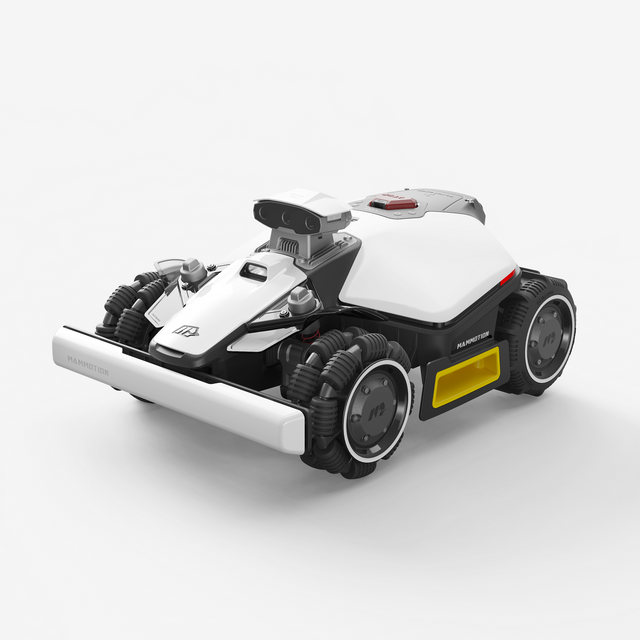
LUBA mini 2 AWD , Quantity: 1
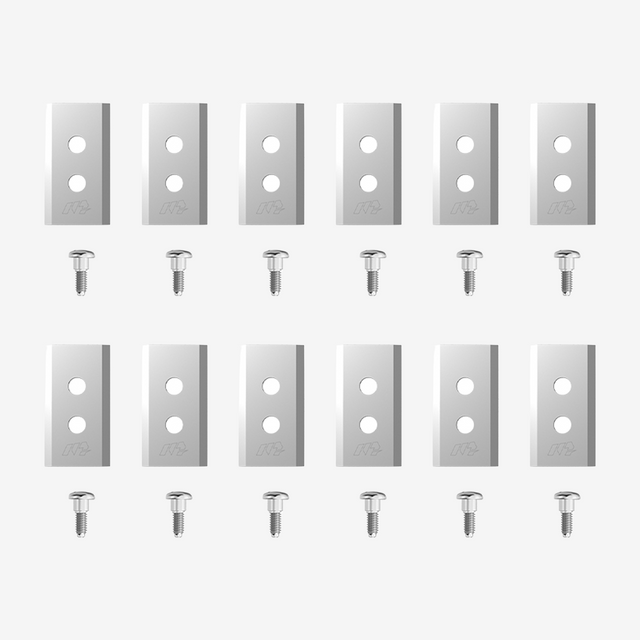
Extra One Set of Blades , Quantity: 1

Charging Station , Quantity: 1

Charging Station Power Supply , Quantity: 1
This product is rated 5.0 of 5.0 stars.
It has received 58 reviews.